Creating a comfortable and effective home office is essential for anyone who works remotely or needs a dedicated space for productivity. A well-designed workspace not only boosts your efficiency but also supports your well-being. If you’re looking to set up a home office that feels cozy and helps you stay on task, these tips will guide you through the process.
Choose the Right Location
Consider Natural Light
Start by selecting a spot that receives plenty of natural light. Sunlight has been shown to improve mood and energy, which can enhance focus. Ideally, set up your desk near a window to enjoy daylight without glare on your computer screen.
Minimize Distractions
Choose a space away from noise and high-traffic areas in your home. If you don’t have a separate room, consider using room dividers or noise-cancelling headphones to maintain a quiet environment.
Invest in Functional Furniture
Ergonomic Chair
A comfortable chair that supports good posture is key. Look for adjustable chairs with lumbar support to prevent back pain during long work sessions.
Practical Desk
Select a desk that fits your space and meets your storage needs. Whether it’s a small corner desk or a larger workstation, make sure it provides enough surface area for your computer, notepads, and other essentials.
Organize Your Space Wisely
Declutter Regularly
A clutter-free desk helps clear your mind. Keep only the items you use daily within reach and store extras in drawers or shelves.
Accessible Supplies
Use organizers, trays, or pen holders to keep office supplies neatly arranged. This saves time and prevents frustration when trying to find something important.
Personalize for Comfort and Inspiration
Add Cozy Elements
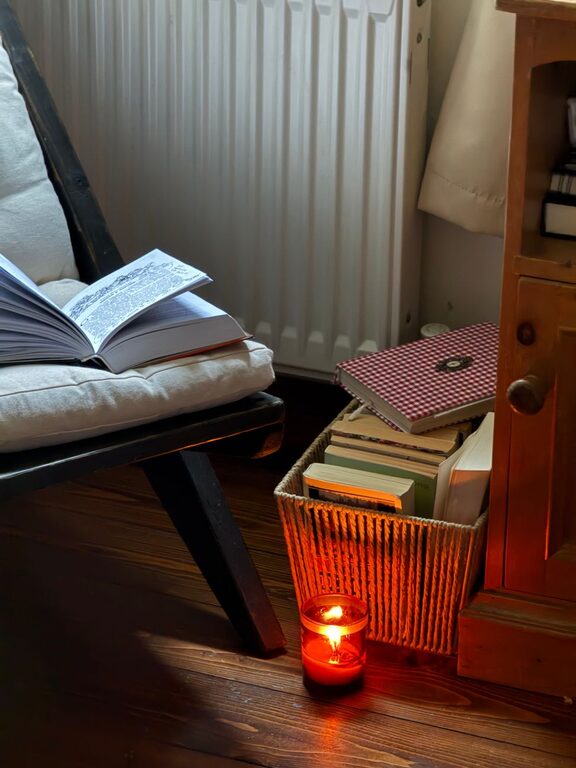
Incorporate soft textures like a plush rug, cushions, or a throw blanket. These touches will make your workspace feel inviting, especially during colder months.
Use Inspiring Decor
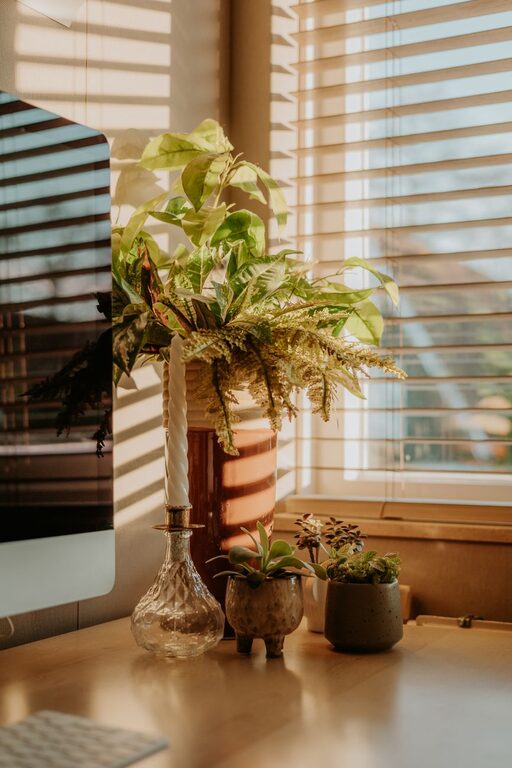
Display artwork, plants, or motivational quotes that make you happy and energized. Greenery, in particular, can improve air quality and add a calming effect.
Optimize Lighting for Work
Combine Natural and Artificial Light
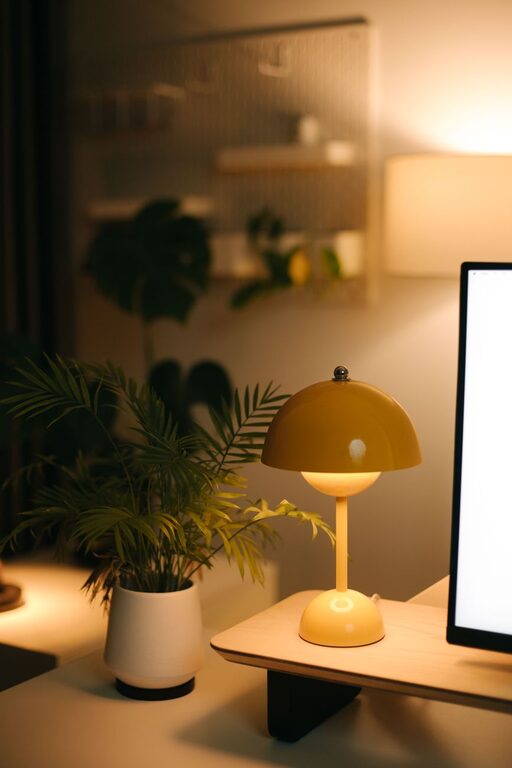
Supplement natural light with adjustable desk lamps or overhead lighting. Choose bulbs with a soft white or daylight color temperature to reduce eye strain.
Avoid Screen Glare
Position your desk and monitor to avoid reflections from windows or lights. You can also use an anti-glare screen filter if necessary.
Maintain Good Technology Setup
Reliable Internet Connection
Ensure your internet is fast and stable to prevent interruptions during calls or important tasks.
Keep Cables Tidy
Use cable organizers or clips to manage cords and avoid tangles. This helps keep your desk neat and safe.
Establish a Routine and Boundaries
Dedicated Work Hours
Set specific times to start and end your workday. Having a routine helps separate your professional and personal life.
Define Your Workspace Rules
If you share your home, communicate that your office is a workspace to minimize interruptions during work hours.
Stay Comfortable Throughout the Day
Take Breaks and Move
Set reminders to stand, stretch, or walk briefly every hour. Moving helps reduce fatigue and improves focus.
Control Room Temperature
Keep your office at a comfortable temperature. Use fans, heaters, or open windows as needed to maintain a pleasant environment.
Final Thoughts
A cozy and productive home office doesn’t require a lot of space or expensive items. With thoughtful choices about location, furniture, organization, and personal touches, you can create a workspace tailored to your needs. Remember, the goal is to build an environment that supports concentration and comfort, so you can do your best work from home every day.